Service · Cybersecurity Labs
Learn security by doing it
Cybersecurity cannot be taught from slides alone. Colleges, training centres, and security teams need isolated lab environments where learners exploit vulnerabilities, analyse traffic, and respond to incidents — without risking production networks or campus infrastructure.
Service overview
Hands-on cybersecurity labs
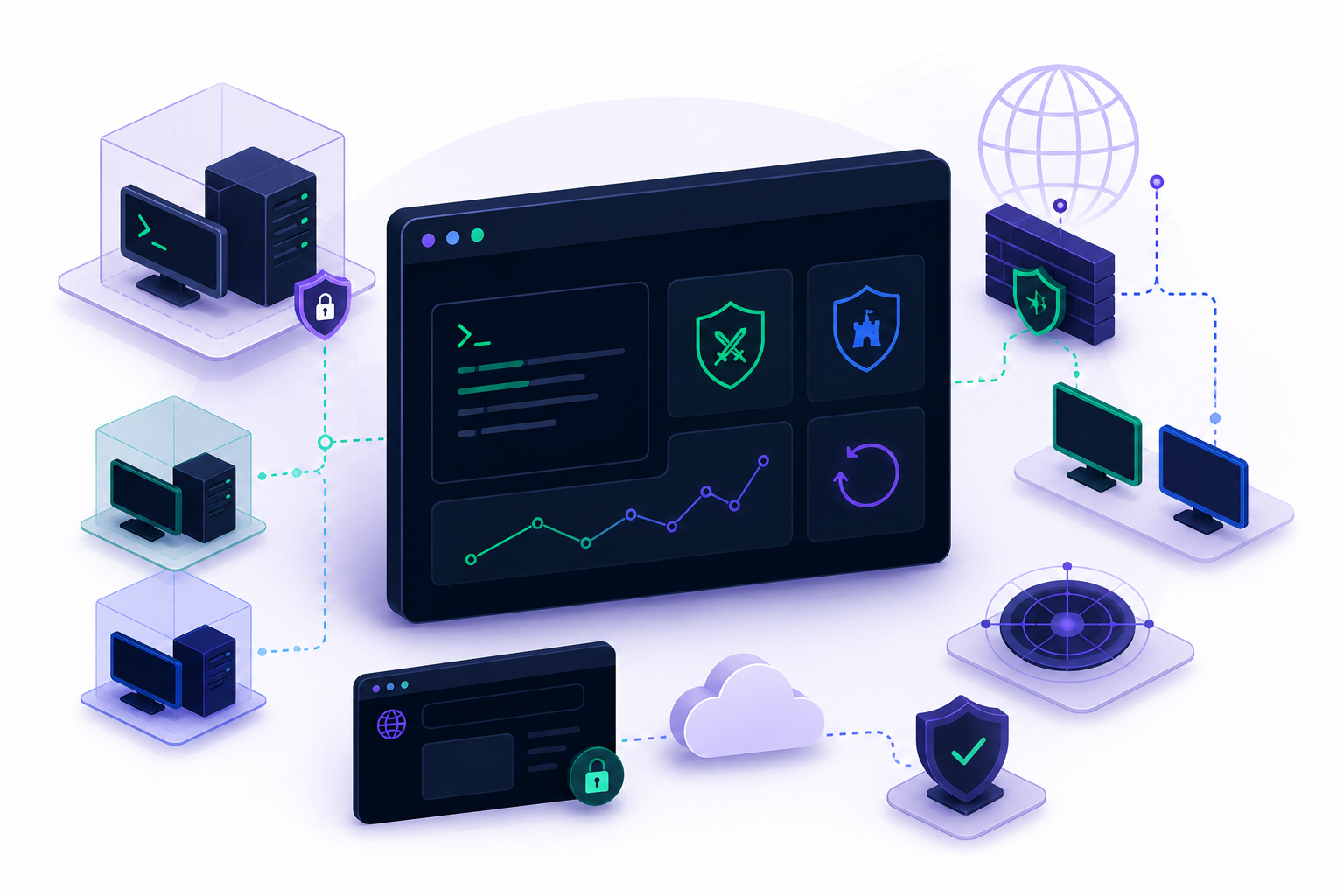
Isolated VMs, network simulations, and browser-accessible practice spaces where learners attack, defend, and reset safely.
We design and deploy hands-on cybersecurity lab environments for colleges, training centres, and security teams — isolated VMs, network simulations, and browser-accessible practice spaces where students can attack, defend, and reset safely.
Lab delivery covers architecture review with your IT team, scenario documentation for instructors, and optional integration with CTF competition infrastructure drawing on our event experience.
- Virtual machinesAttacker & defender VMs with snapshot reset
- Network simulationSegmented topologies for red & blue teams
- Remote accessBrowser-based labs without on-prem bottlenecks
- CTF integrationChallenge engines for assessments & events
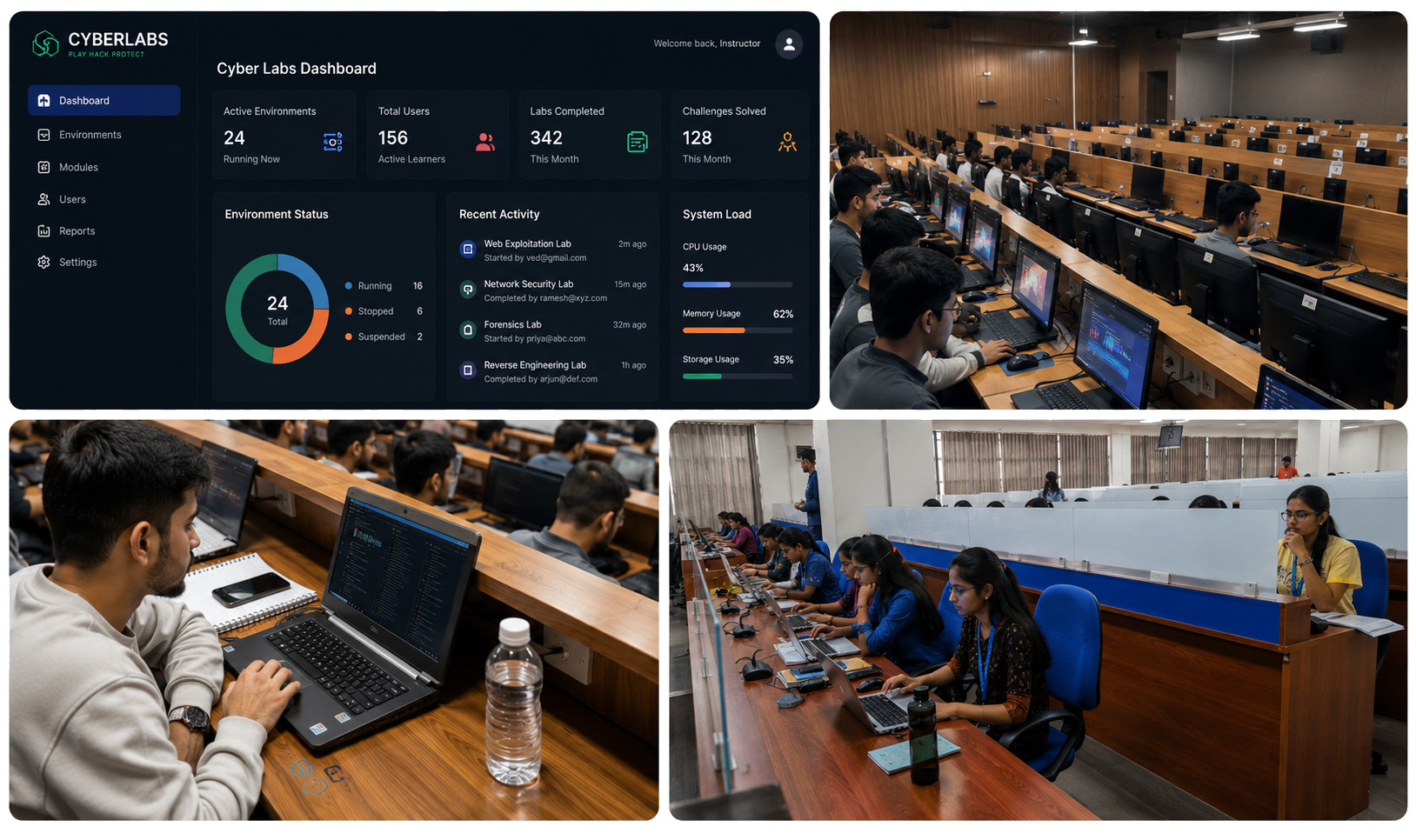
Reference example
CyberLabs platform
Browser-based virtual lab platform — a HierroShield product reference.
Virtual Lab Platform
Practice. Learn. Protect.
Description
A browser-based virtual lab platform that enables learners to access hands-on practical environments for training, experimentation, and skill development — without requiring local installations or risking production networks.
Context: Developed as the CyberLabs platform for engineering colleges and training programmes — with isolated environments for scanning, exploitation, traffic analysis, and instant reset between sessions.
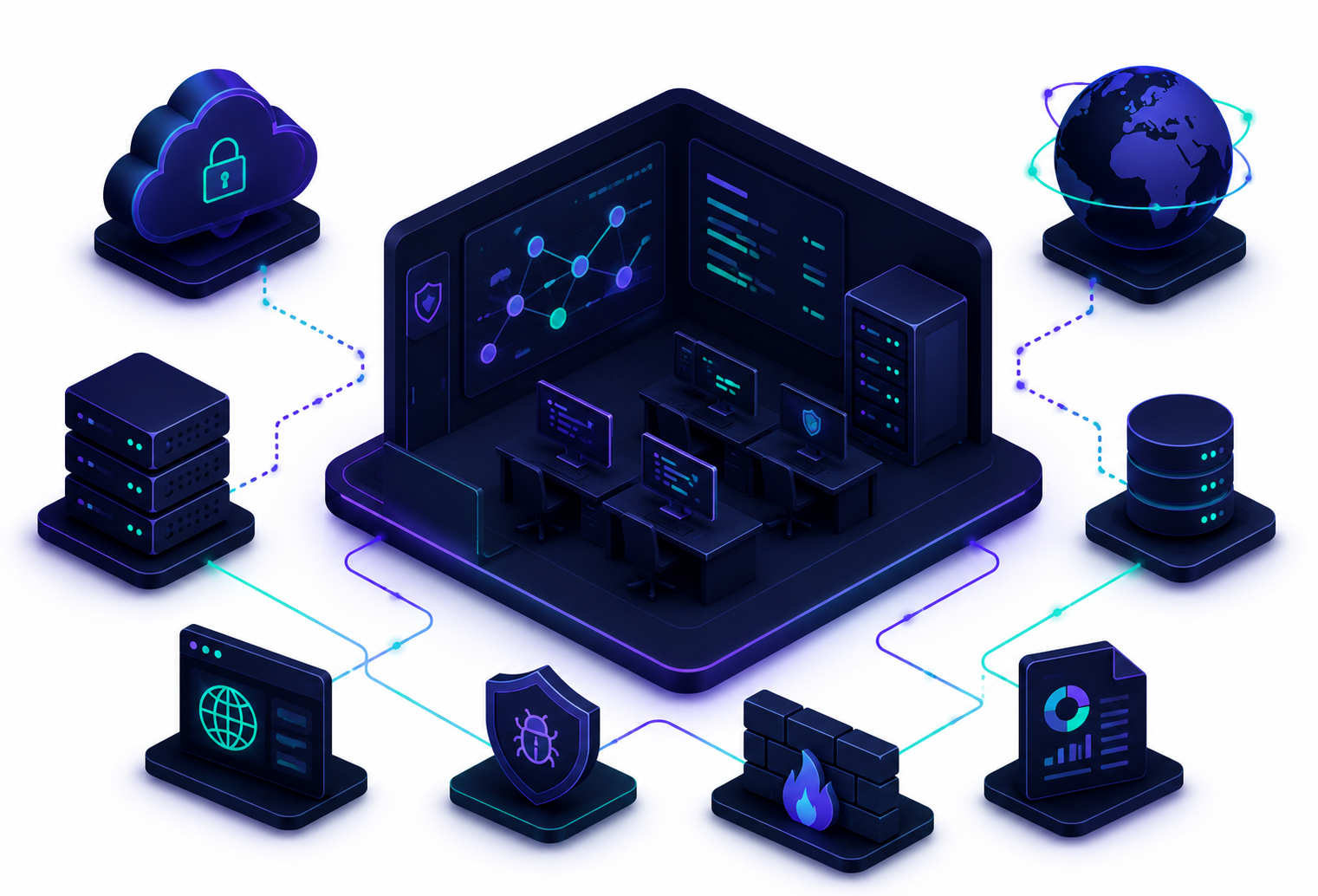
Technology stack
- React Frontend
- Node.js Backend
- MongoDB Database
- Docker Containers
- AWS Cloud
Lab deployment
Our lab deployment process
From requirements to a lab your students can log into — with documentation and support for instructors.
-
01
Scope & requirements
Document learning objectives, concurrent users, remote vs on-prem constraints, and compliance needs.
e.g. defining modules for scanning, exploitation, and traffic analysis at colleges
-
02
Topology & isolation
Network diagrams, hypervisor layout, and auth models reviewed with your IT team.
e.g. ensuring lab networks stay isolated from campus production systems
-
03
VM & scenario build
Automated provisioning, tool configuration, and instructor scenario guides.
e.g. pre-configured modules mapped to coursework and certification paths
-
04
Deployment & access
Browser portals, VPN access, scheduling, and usage monitoring configured for students.
e.g. cloud-hosted virtual lab platform with on-demand environment spin-up
-
05
Validation & load test
Concurrent user testing, reset workflows, and scenario walkthroughs with instructors.
e.g. verifying snapshot reset between student cohorts
-
06
Instructor enablement
Administrator documentation, playbooks, and training for repeatable semesters.
e.g. scenario guides instructors reuse each academic term
-
07
Operations support
Optional retainers for resets, updates, and new scenario rollouts.
e.g. ongoing lab maintenance as syllabi and student counts grew
We empower learners with instant access to realistic cyber environments — practice safely, reset quickly, and build skills that transfer to real incident response.
Ready to deploy a cyber lab?
Tell us about your learners — we'll scope isolation, scenarios, and instructor enablement.